
In this article
- The challenges of running Slack and WhatsApp side by side
- Solutions for running Slack internally and WhatsApp externally
- Conclusion
- FAQ
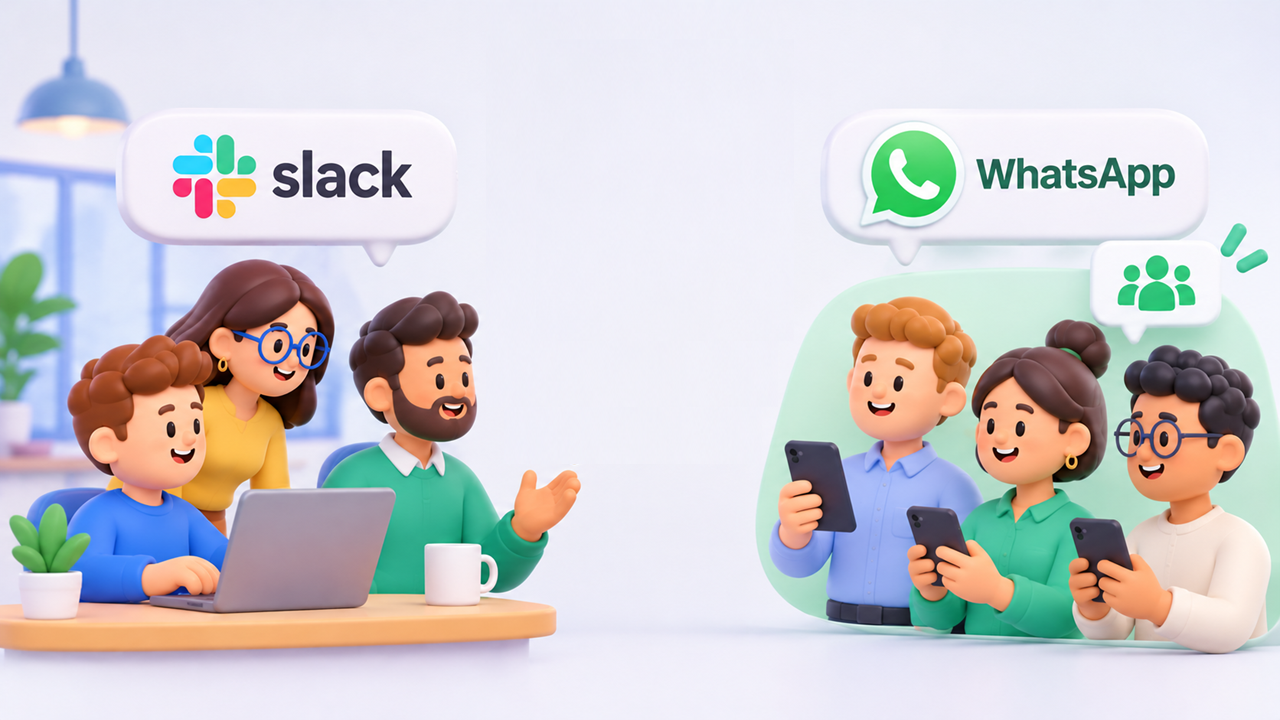
It's a familiar setup for agencies, SaaS companies and B2B service providers: the team runs on Slack, but clients don't always follow. Some of them use Slack too, which is the easy case, since Slack Connect lets you share channels directly. But many others prefer WhatsApp, and they have their reasons: it's already on their phone, it's what they use every day, and it feels faster and more personal.
As a service provider, it's hard to say no. The client asked for it, and meeting clients where they are is part of good service. But running Slack and WhatsApp side by side creates real problems, which this article walks through.
The good news is that there are ways to fix them.
The challenges of running Slack and WhatsApp side by side
Slower replies and missed messages
The first and most visible effect is on responsiveness. When conversations are spread across two tools, attention gets split between them, and reply times suffer.
The damage usually falls unevenly. Whichever tool holds fewer client conversations gets checked less often. Messages sit unread for longer, response times creep up, and sooner or later something important slips through. Clients on that "secondary" channel end up with slower service without anyone deciding they should.
Context-switching fatigue
Jumping from one app to another costs more than a few seconds. Research on task switching has repeatedly shown that every switch breaks concentration and takes time to recover from. (More details here)
The impact goes beyond productivity, too. Constant switching wears on people: focus drops, mental fatigue builds, and working memory gets overloaded. Over time this can mean more stress, lower motivation and, in the worst cases, burnout.
Little visibility for management
WhatsApp wasn't built for managing a team. It has no dashboards and no KPIs, and a manager who isn't in a client's group has no way to check the quality of the conversation or step in when help is needed.
So the work lands on the managers themselves. They have to join every client group and read each one separately to gauge client engagement, response times and overall service quality. It doesn't scale, and the more clients you add, the less it works.
Compliance and security risks
WhatsApp is end-to-end encrypted, so messages are protected while they travel. Encryption isn't the same as control, though.
A company has no central oversight of what gets shared. There's no unified archive across numbers, no record of who is talking to whom, and no way to stop sensitive data from leaving the company. WhatsApp was designed for personal and consumer use, where these gaps rarely matter. In a B2B setting they matter a great deal.
Personal phone numbers
Apart from senior management, few employees get a work phone these days. In practice, using WhatsApp with clients means using personal numbers, and that opens up several problems:
- Legal gray areas. Conversations on a personal phone and device may count as personal communications, which limits what the company can access, keep or audit.
- Lost history. If an employee loses or changes their number, the whole client conversation can go with it.
- Departures. When an employee leaves, their personal number may still sit in client groups, along with everything that was ever discussed there.
Limited productivity tools
Productivity is where Slack is furthest ahead of WhatsApp:
- Channel organization: group channels by client, project or activity.
- Threads: side discussions stay out of the main conversation, so channels remain readable.
- Search: WhatsApp search is fast but keyword-based. Slack adds filters by person, channel, date and more.
- Notifications: WhatsApp settings are per chat. Slack adds statuses, focus modes, schedules and keyword alerts.
- AI: this is now the biggest difference. WhatsApp's built-in AI doesn't work across your conversations, while Slack can summarize channels, search across tools, and connect to assistants like Claude and to third-party AI agents.
Day to day, these features add up to a real difference in how efficiently a team can work with its clients.
As you read it, having Slack & WhatsApp coexisting is not optimum for many reasons: productivity, security, management and compliance, good news is: solutions do exist, so let's have a look at them.
Solutions for running Slack internally and WhatsApp externally
Now for the solutions. Here are three ways to deal with a situation many teams know well: Slack inside the company, WhatsApp on the client side.
1. Say no to WhatsApp
This is the blunt option, but it's still an option: tell clients that company policy doesn't allow WhatsApp.
It can come across as cold. Explained carefully, with the reasons above (security, compliance, productivity), most clients will understand. What matters is offering an alternative at the same time:
- Invite them into your Slack as guests, or through Slack Connect if they use Slack.
- Meet them on Teams or Google Chat. A client who isn't on Slack is very likely using one of the two.
- Fall back to email if nothing else works.
2. Use WhatsApp Business
WhatsApp Business looks like the obvious fix for several of the problems above. The WhatsApp Business Platform (the API version, used through a provider) adds shared business numbers, multi-agent inboxes and centralized message logs. That helps with management visibility and with the personal-number problem.
It comes with significant trade-offs, though:
- It's paid. You need a subscription, usually through a third-party provider, plus per-message fees.
- Messaging is tightly restricted. Outside the 24-hour window that opens when a client writes to you, outgoing messages have to use templates that Meta pre-approves. That's fine for notifications and a poor fit for natural back-and-forth with clients.
- Group support is very limited, and in B2B that's the dealbreaker. The platform was built for one-to-one conversations. Meta has added a Groups API, but it's only available to Official Business Accounts, which most companies don't have. Groups are also capped at 8 participants. Client relationships usually involve several people on both sides, so this is a major gap.
In short, WhatsApp Business is built for businesses talking to consumers. It isn't built for teams working day to day with client teams.
3. Bridge Slack and WhatsApp with convly
Surprise: the solution we recommend is our own. 😉
More seriously, we built convly because we lived this problem ourselves, switching between tools all day, every day. We wanted to keep Slack's strengths for managing conversations while clients stayed on WhatsApp, as they asked, without noticing any difference.
convly offers two setups:
- Individual numbers. Each team member connects their own WhatsApp number, personal or professional, to the convly Slack app and picks which conversations to sync. Those conversations are mirrored into Slack, where any teammate who has also connected their WhatsApp account can join in. Personal numbers are still involved, but every conversation is now kept in the company's own official archive, Slack. If an employee leaves, the client history stays with the company.
- A shared company number. A single company WhatsApp number is connected to convly and shared with the Slack members who work with WhatsApp clients. The company owns the number, conversations are organized by client in Slack, and nothing depends on an employee's personal phone.
Both solutions can coexist also.
Either way, your team stays in Slack, with threads, search, notifications and AI, and your clients keep using WhatsApp as usual.
Conclusion
Using Slack internally while clients stay on WhatsApp is now standard for agencies, SaaS companies and B2B service providers. It still comes at a cost: slower replies, constant switching between apps, no oversight for managers, compliance gaps, and client history tied to employees' personal phones.
There are three ways to handle it. You can refuse WhatsApp and steer clients to another channel, but that can strain the relationship. WhatsApp Business brings some structure, but its paid model, messaging restrictions and very limited group support make it a poor fit for B2B teams. Or you can bridge the two tools, so your team works entirely in Slack while clients keep using WhatsApp as they always have.
That's why we built convly. WhatsApp conversations, including groups, files, images and voice messages, are mirrored into Slack. Your team can use threads, search, notifications and AI, and the company keeps the full client history, even when people leave.